
See Colada in action
Real screenshots from the desktop app — the player, the AI DJ, the library, the stats, the visualizers and more. This is what runs, entirely, on your own machine.
One hub for everything
Every part of Colada is a click away.
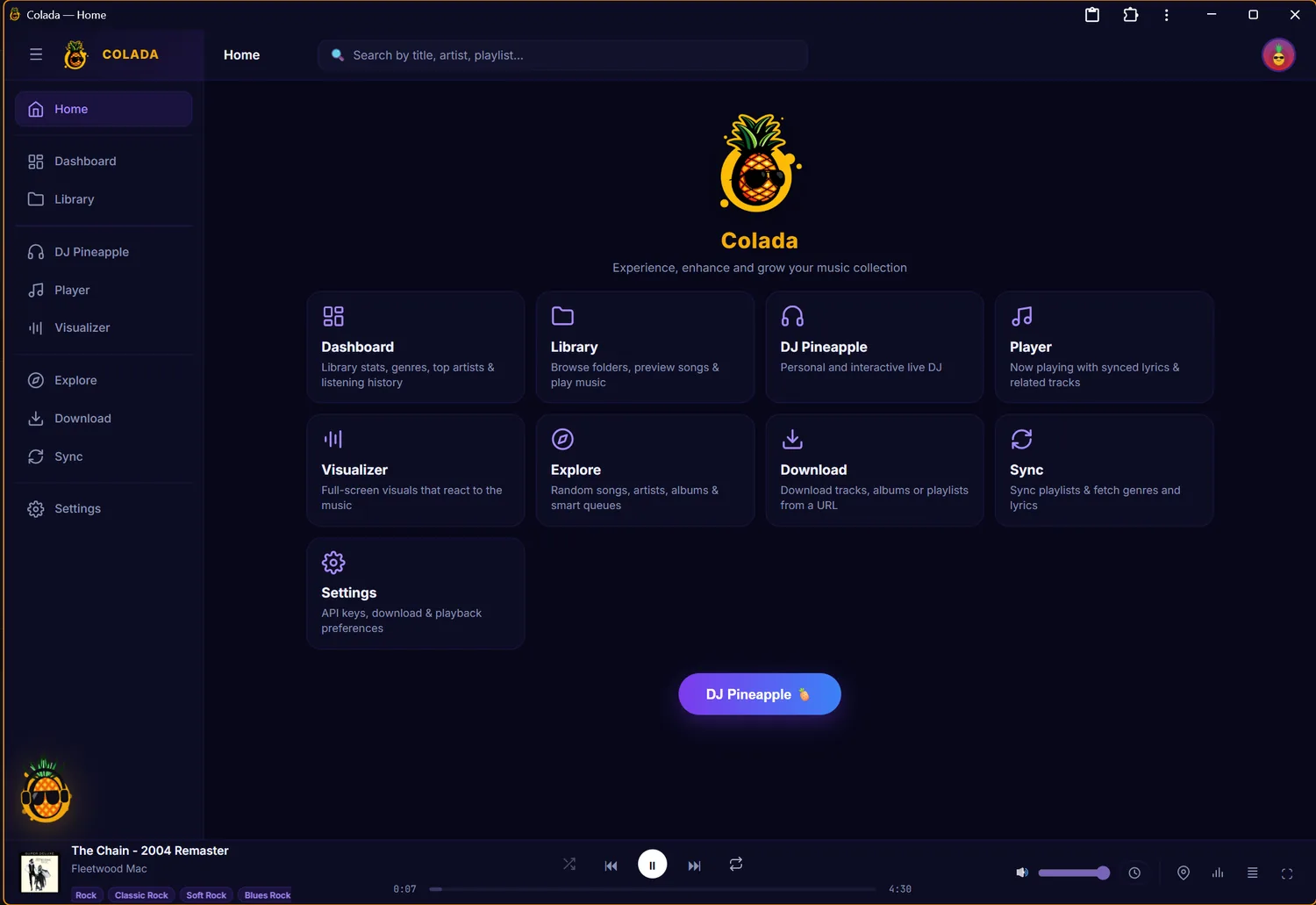
Home
The front door: library, DJ, player, visualizer, import, stats and sync — all one click away, with the player docked at the bottom wherever you go.
A DJ that talks back
Ask for a vibe; it builds the set from your own music.
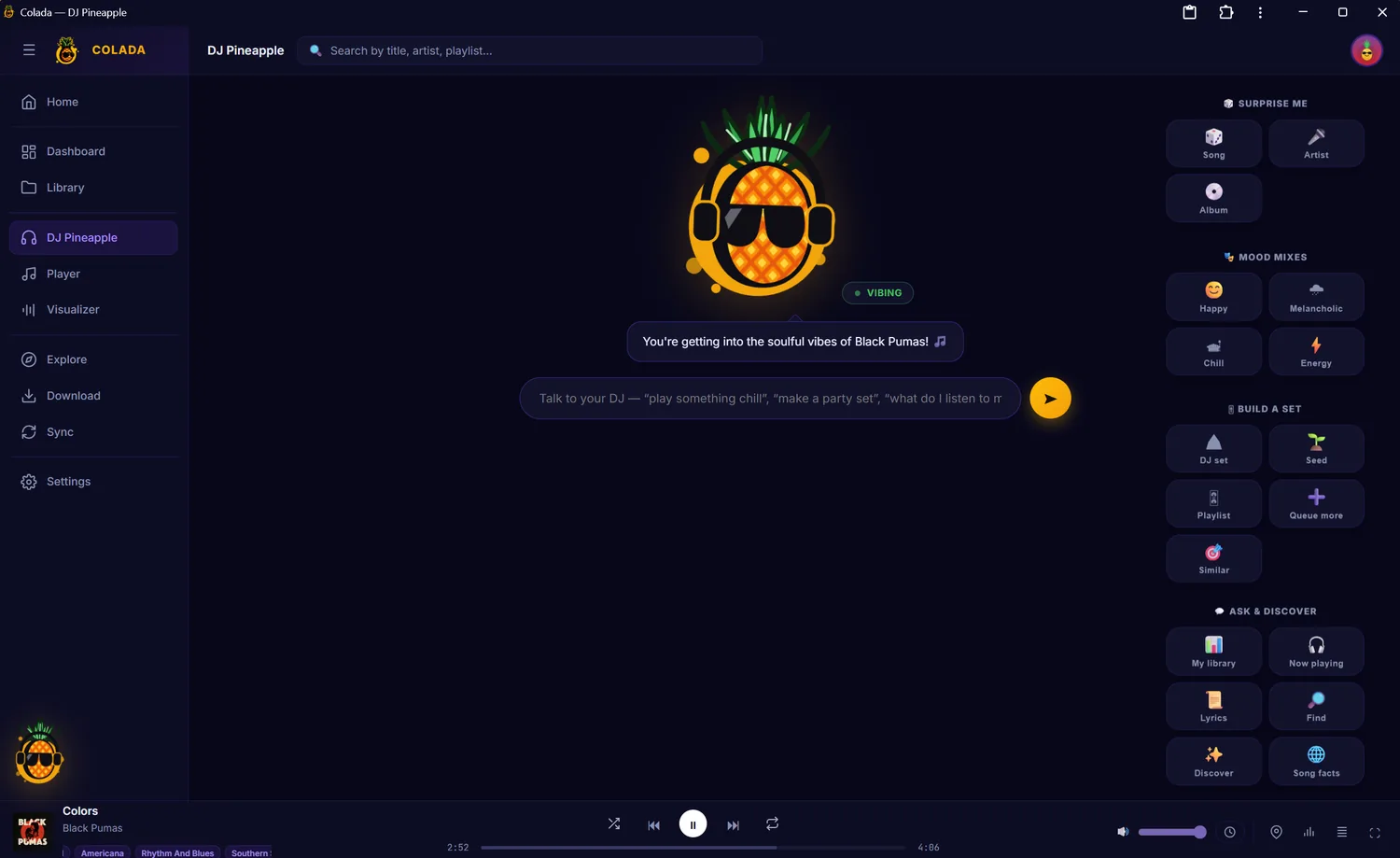
Meet DJ Pineapple
Your talking AI DJ. Ask for a mood or a moment, or use the quick actions — surprise me, mood mixes, build a set, ask & discover.
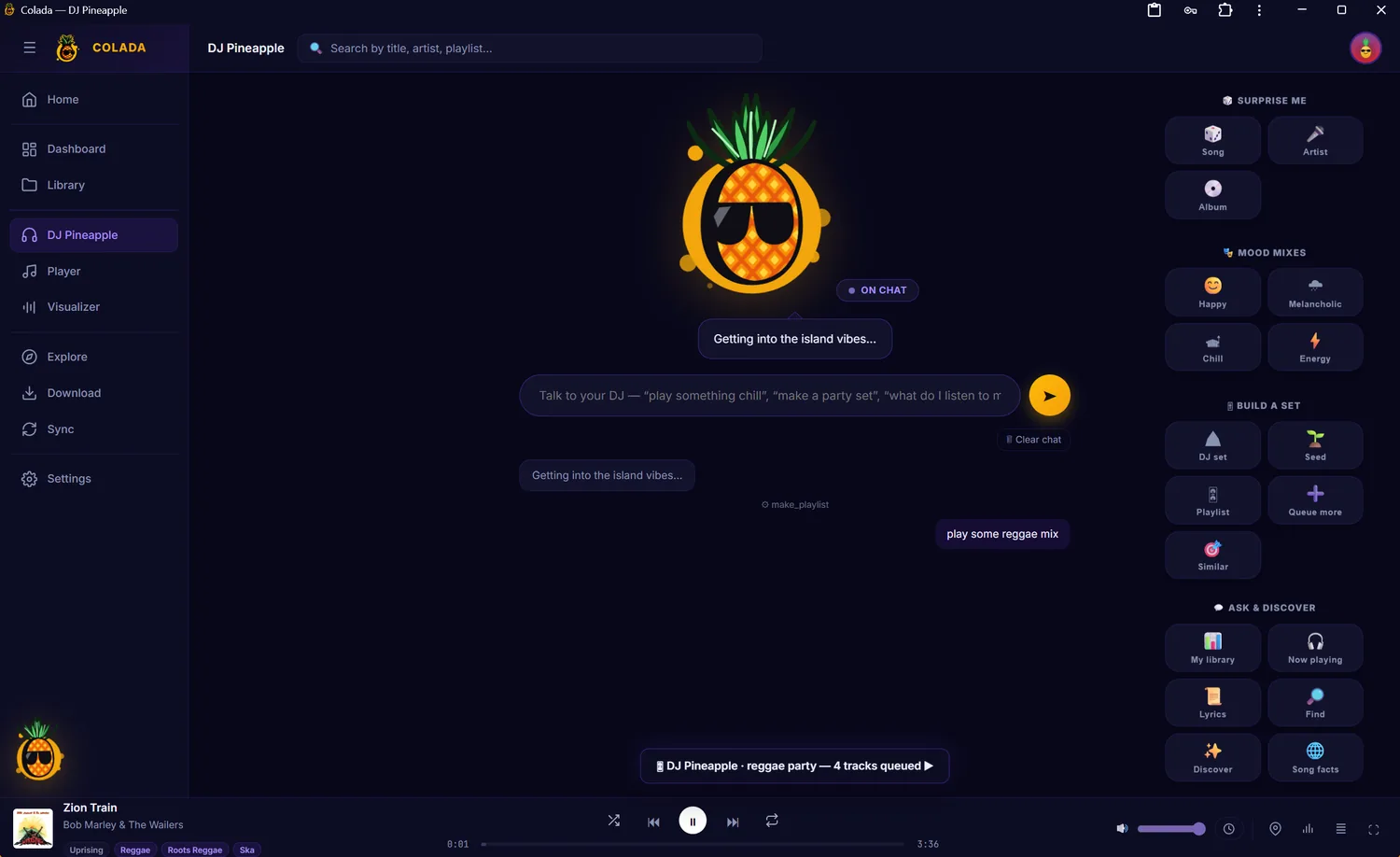
From a sentence to a set
“Play some reggae mix” → the DJ gets the island vibes and queues a reggae party from your library. It understands intent, not just track names.
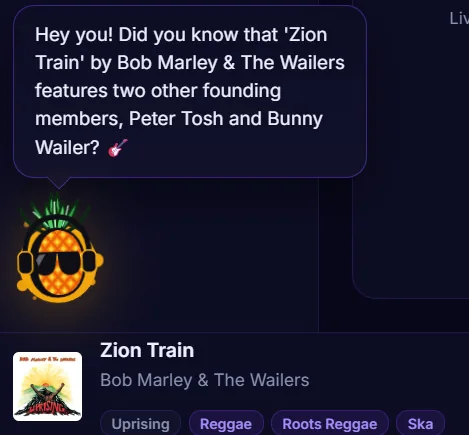
Little moments of delight
The DJ chimes in with a fact about what’s playing — here, that Zion Train features Peter Tosh and Bunny Wailer.
Never lose your place
Synced lyrics, mood and a semantic read of every track.
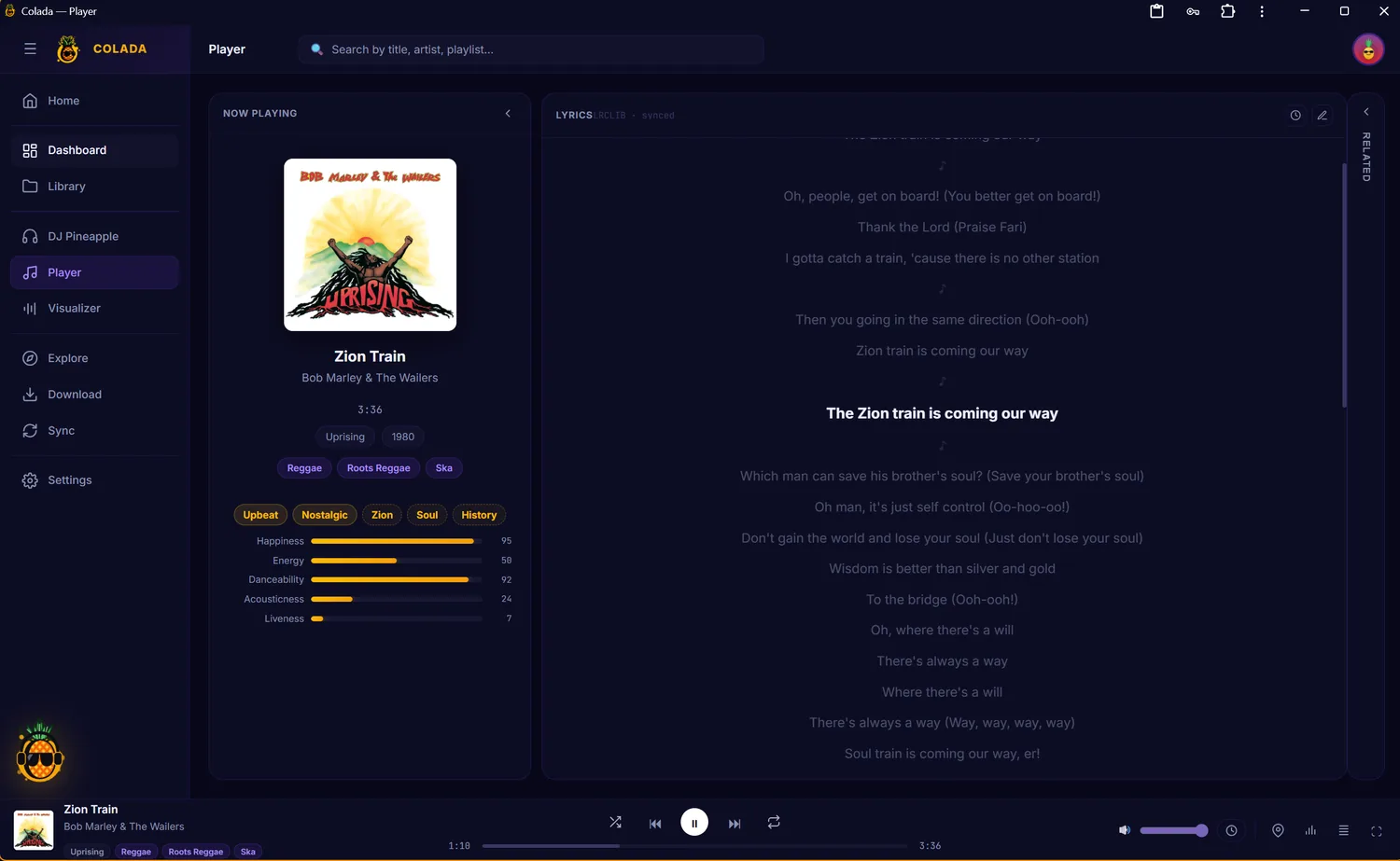
Now playing
Album art, lyrics that scroll in time with the song, and a semantic read of the track — mood tags plus happiness, energy, danceability, acousticness and liveness.
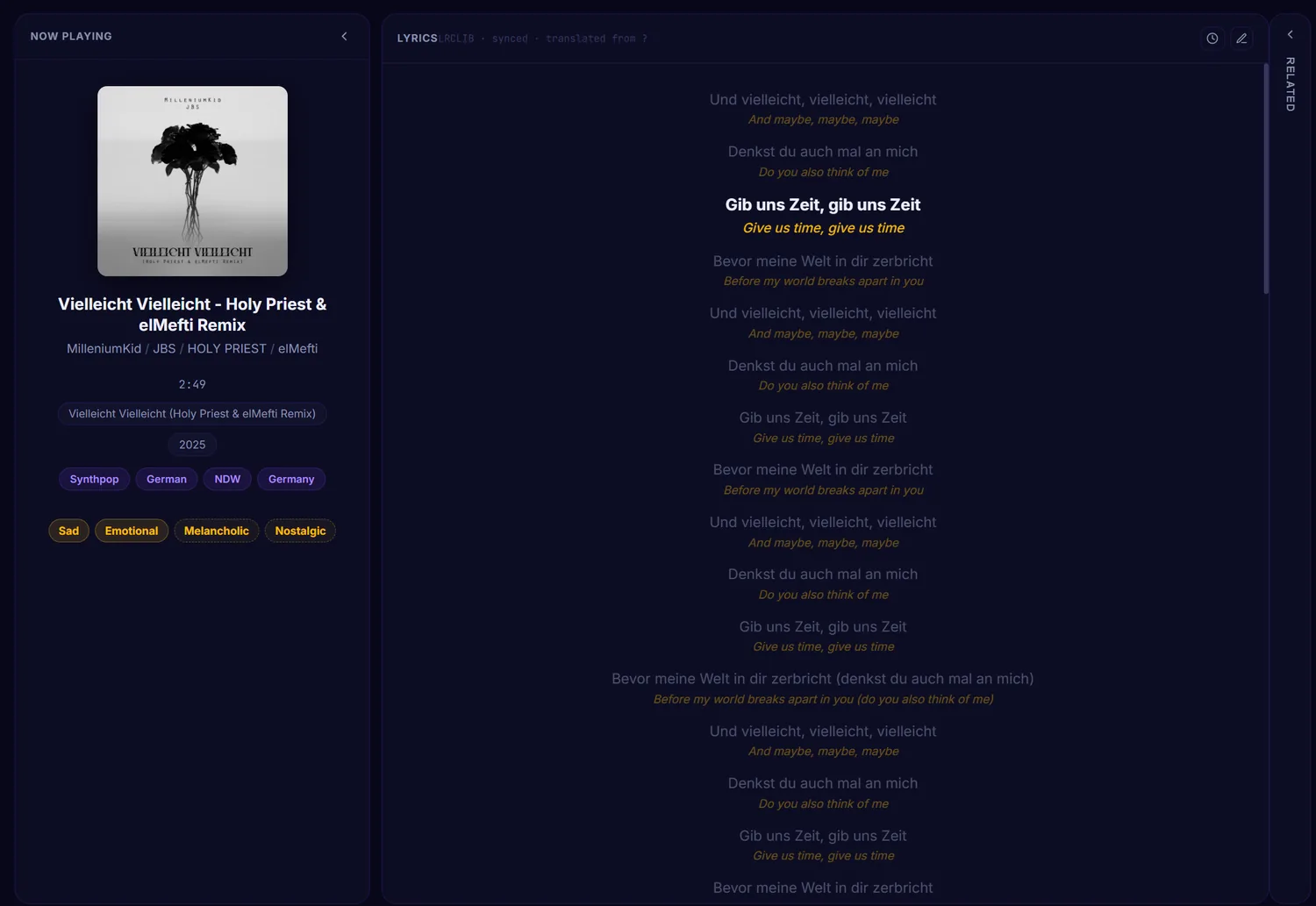
AI lyric translation
Foreign-language lyrics translated line by line, under the original and in time with the music — here a German synthpop track rendered in English.
Your whole collection
Browse as a gallery or a folder tree, with rich detail.
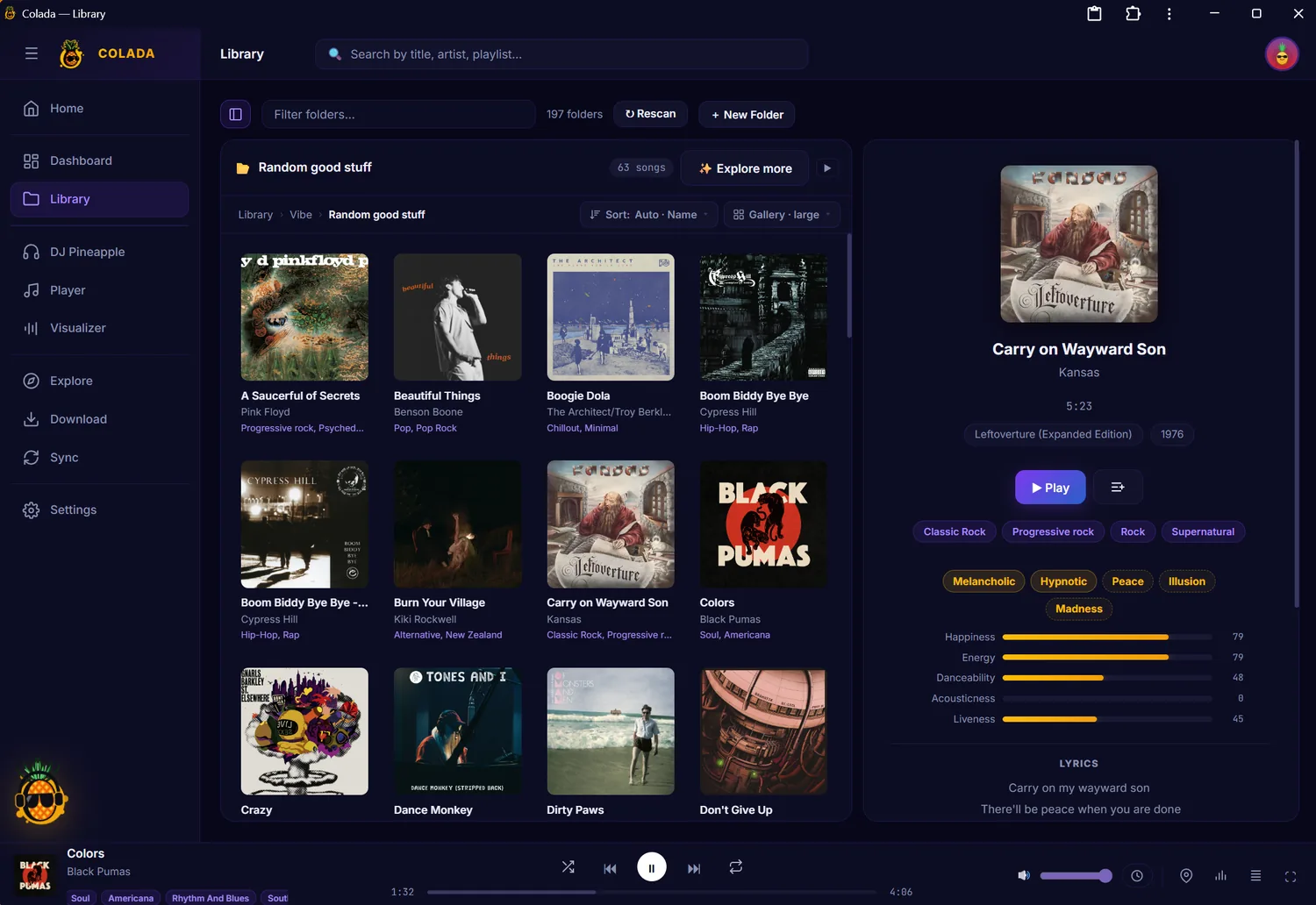
Gallery view
Your library as a wall of cover art, with a detail panel: genres, mood tags, the semantic bars and synced lyrics for the selected track.
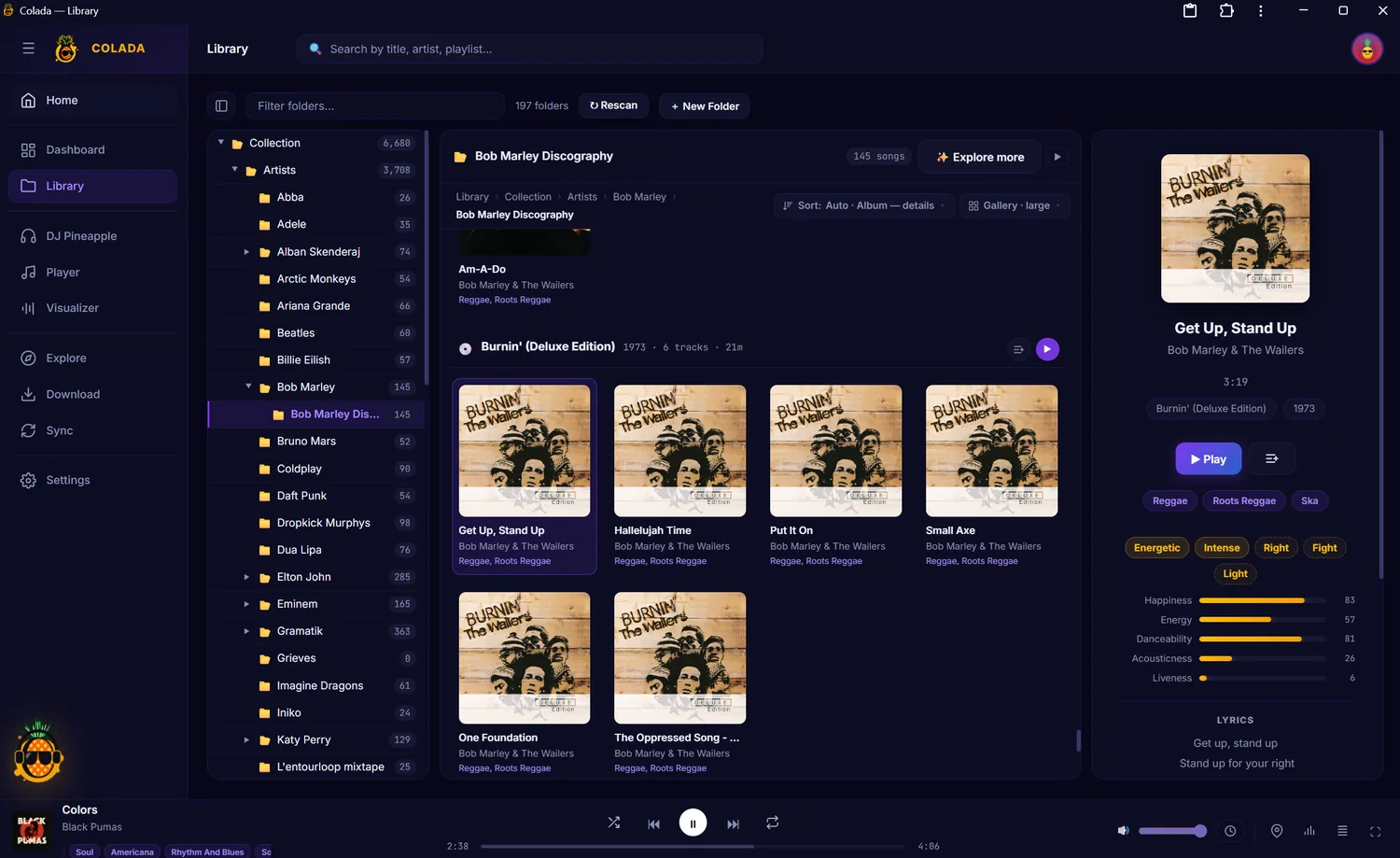
Folder tree & albums
Browse by artist, album and playlist in a tree, with albums grouped and the same rich detail panel on the right.
See your listening
Every play logged locally, turned into charts — never in a cloud.
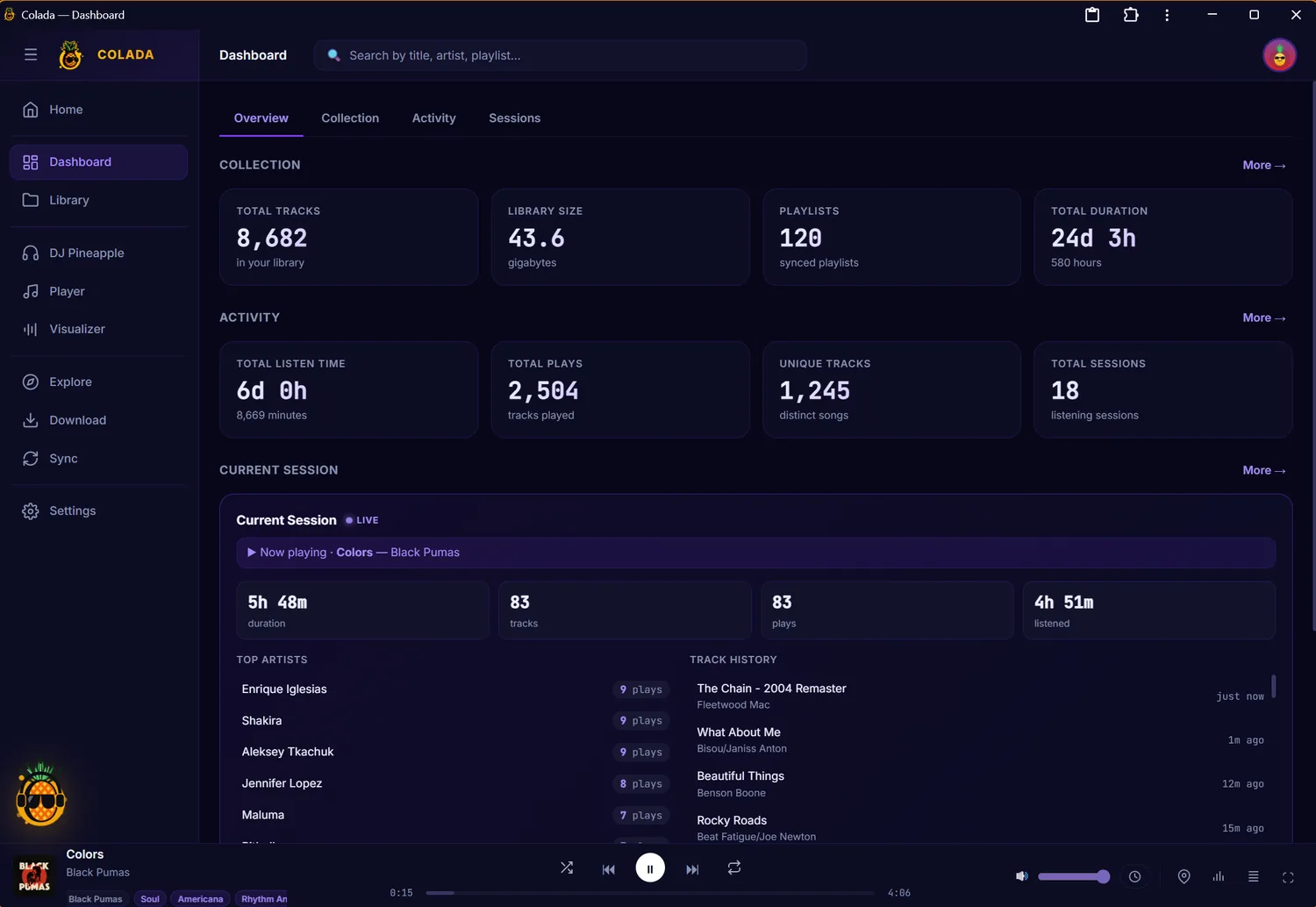
Overview
Your listening at a glance: collection size, total plays and hours, and a live view of your current session.
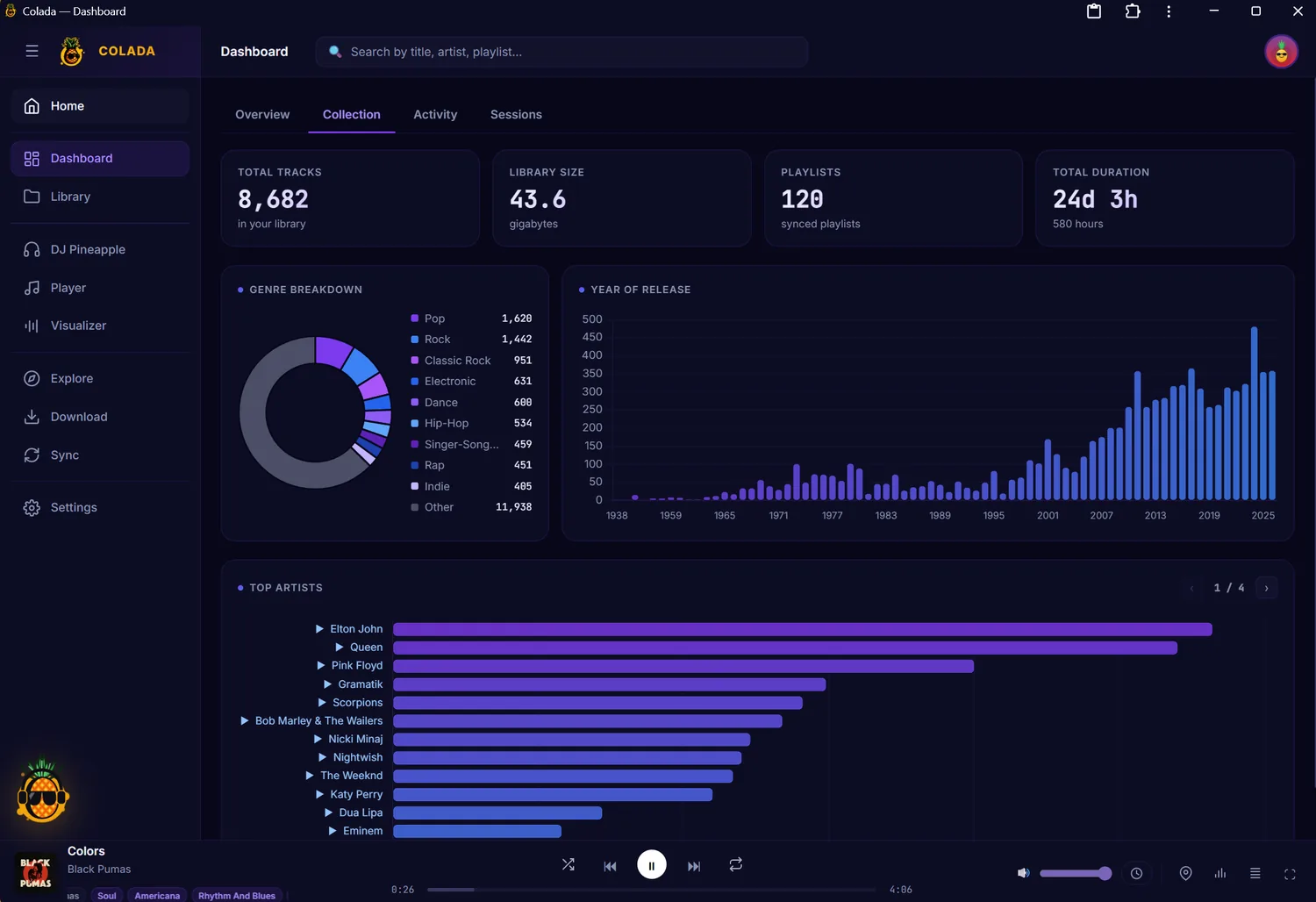
Collection
The shape of your library — genre breakdown, a release-year histogram from the 1930s to today, and your most-collected artists.
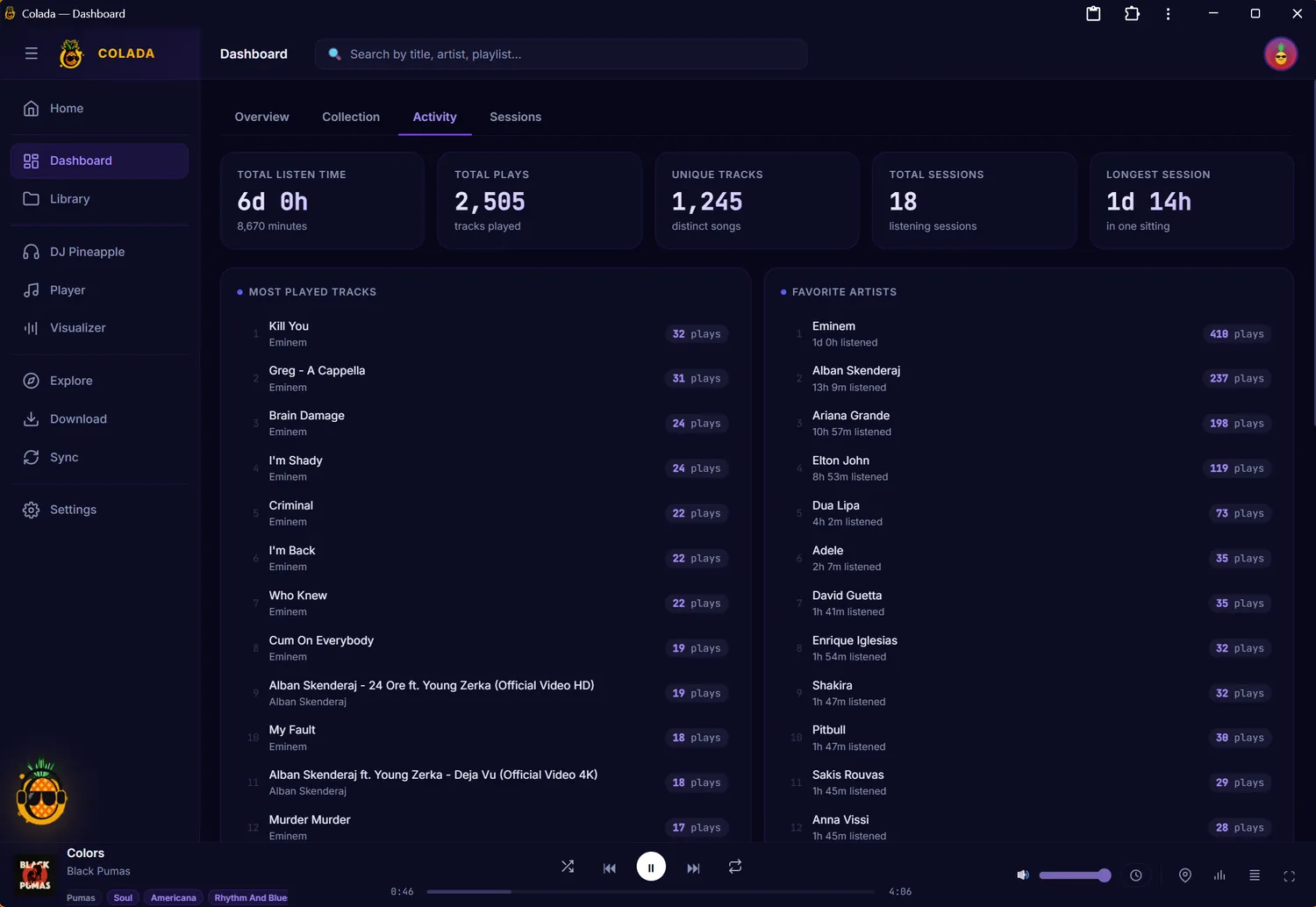
Activity
What you actually play — most-played tracks and favourite artists, ranked by plays and time listened.
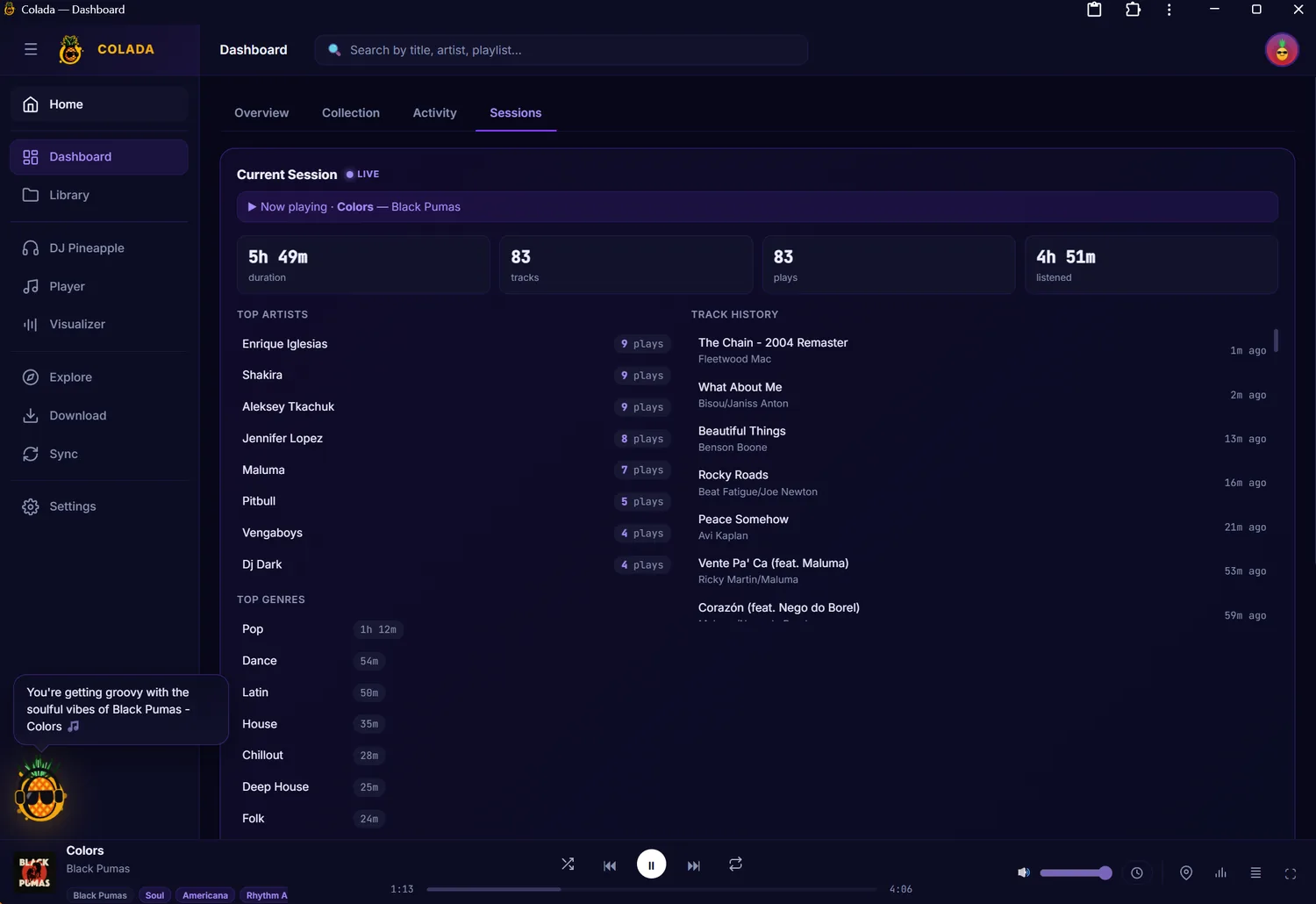
Sessions
Every listening session, live: duration, tracks, the genres you leaned into, and a full track history.
Watch the music
20+ GPU-smooth styles, drawn live from the audio.
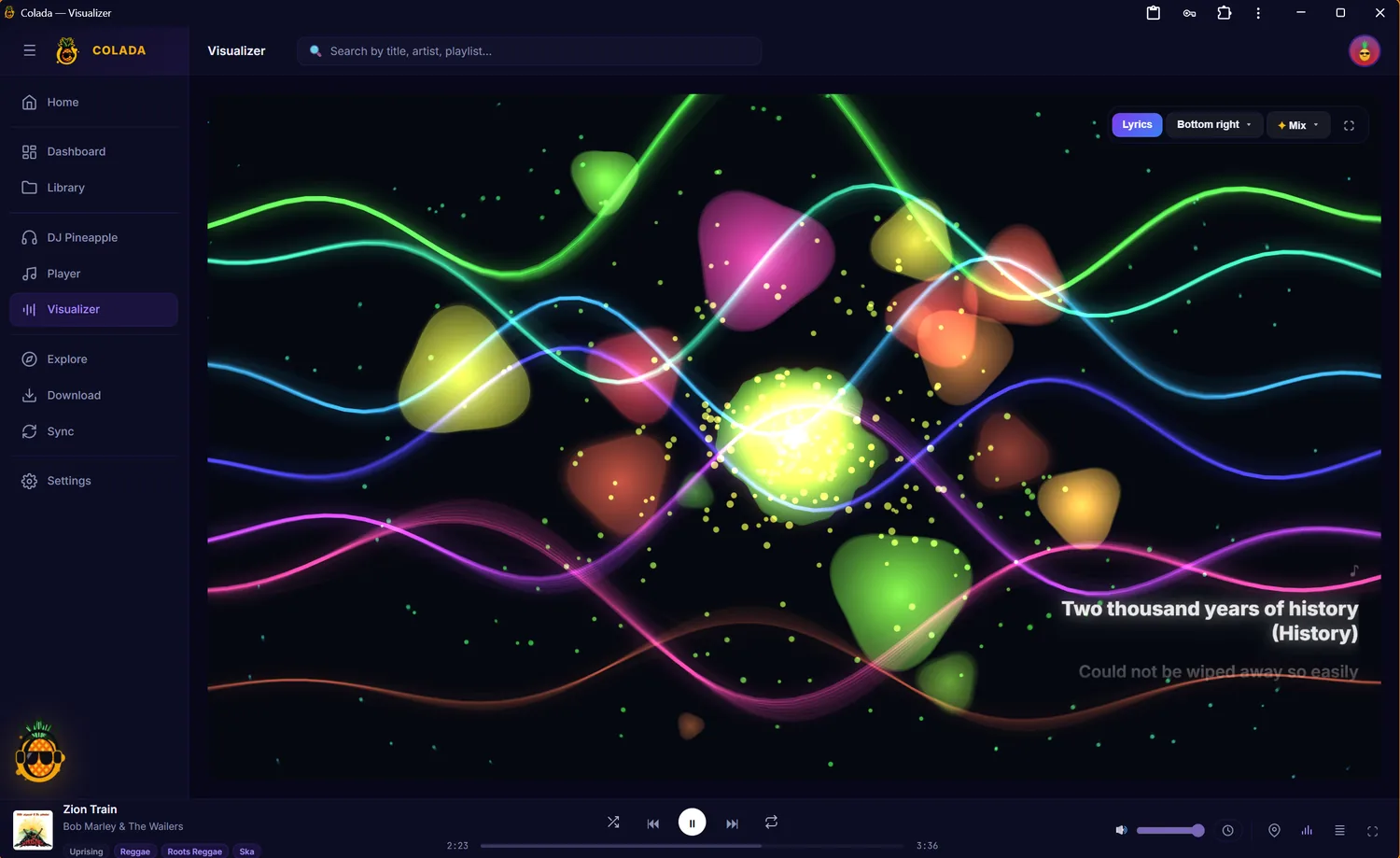
Flowing waves
Fluid, audio-reactive waves and glowing particles, with the lyrics overlaid — one of twenty-plus styles.
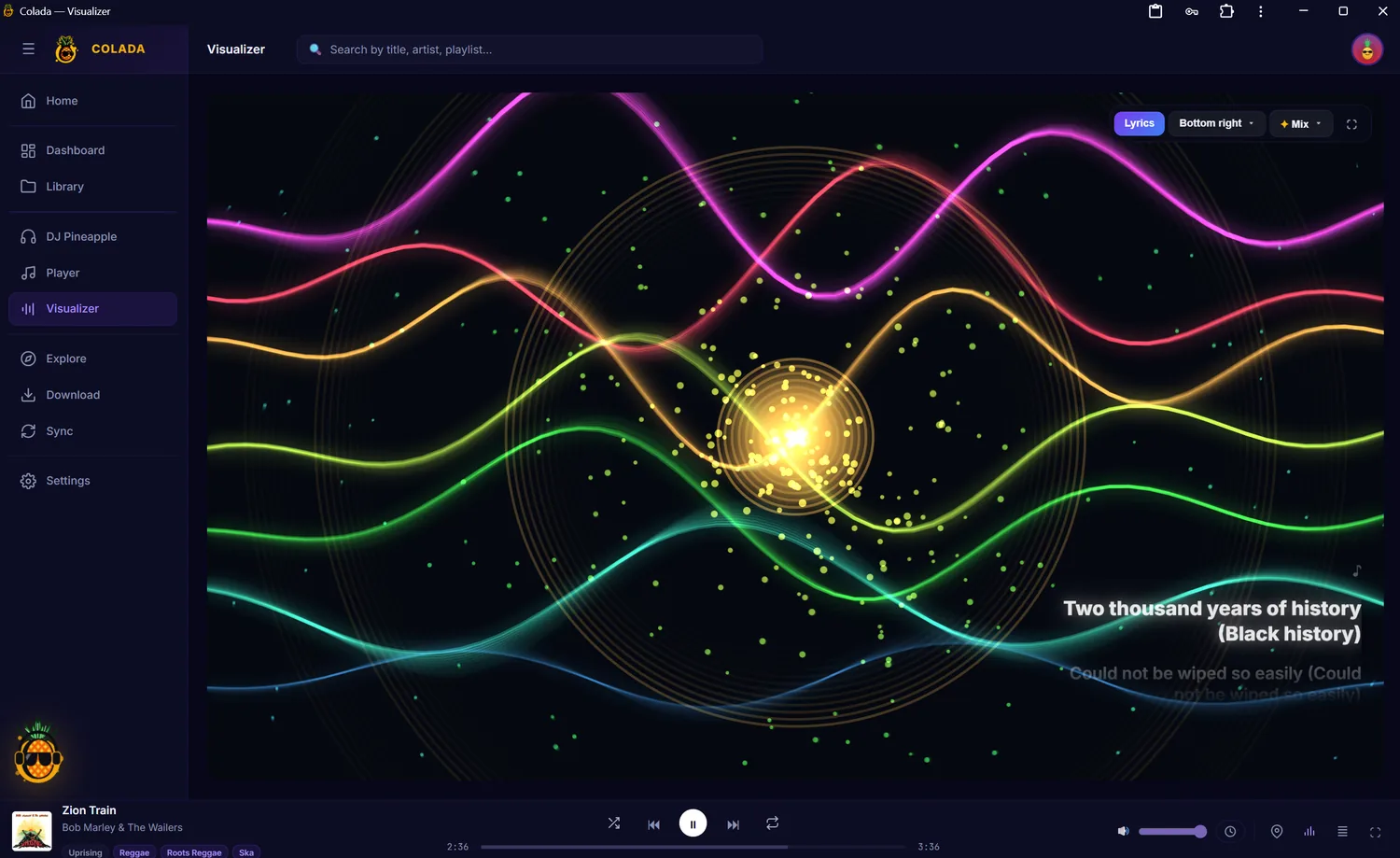
Ribbons & core
Rainbow ribbons around a pulsing core. Every style reacts live to whatever’s playing.
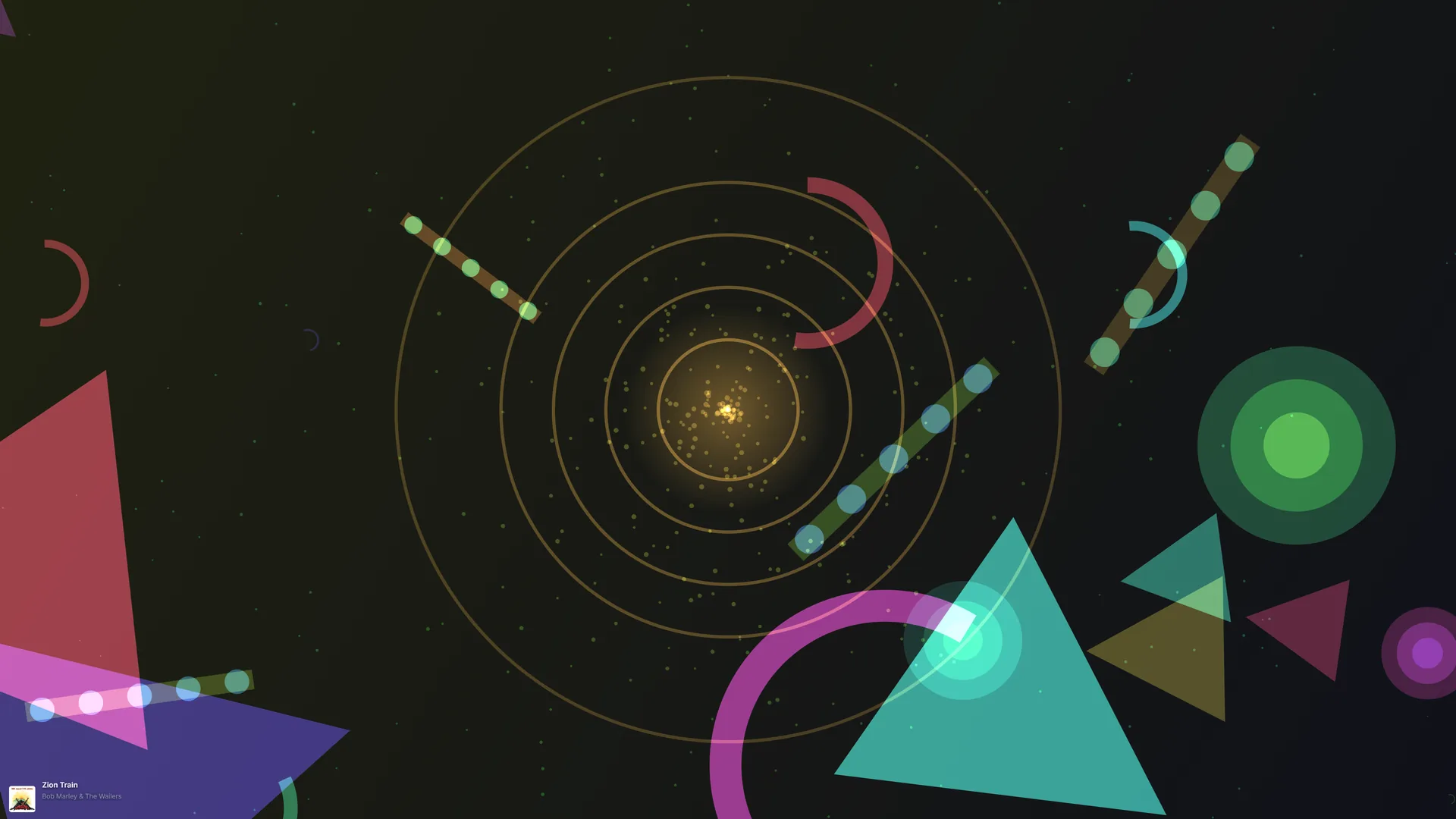
Fullscreen mode
Chrome-free, immersive generative art that fills the room — perfect for parties or a second screen.
Make your library smarter
Genres, lyrics, moods and translations — then everything, local.
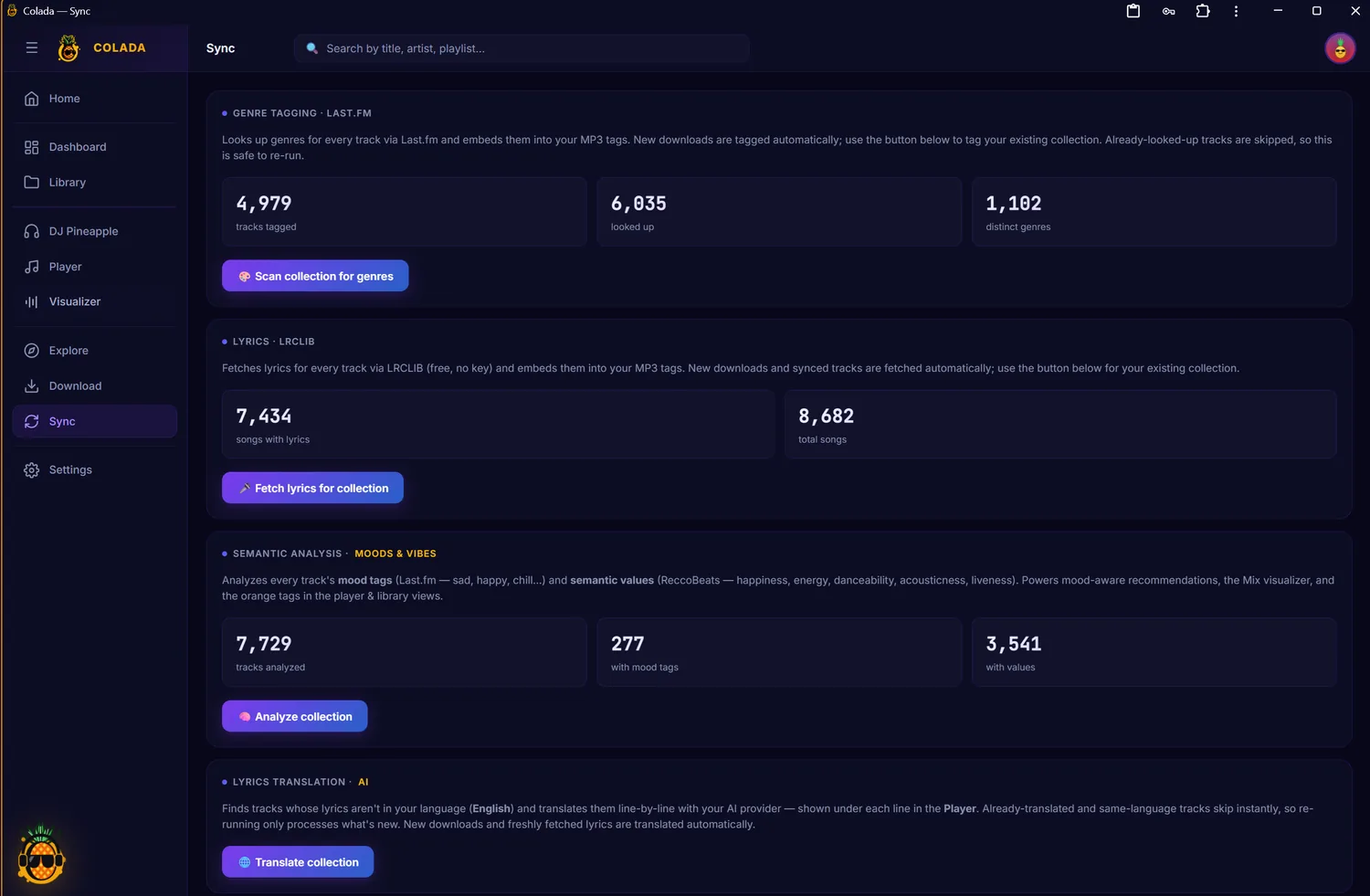
Enrich your collection
Fetch genres from Last.fm, synced lyrics from LRCLIB, mood & semantic analysis, and AI lyric translation — with coverage at a glance.
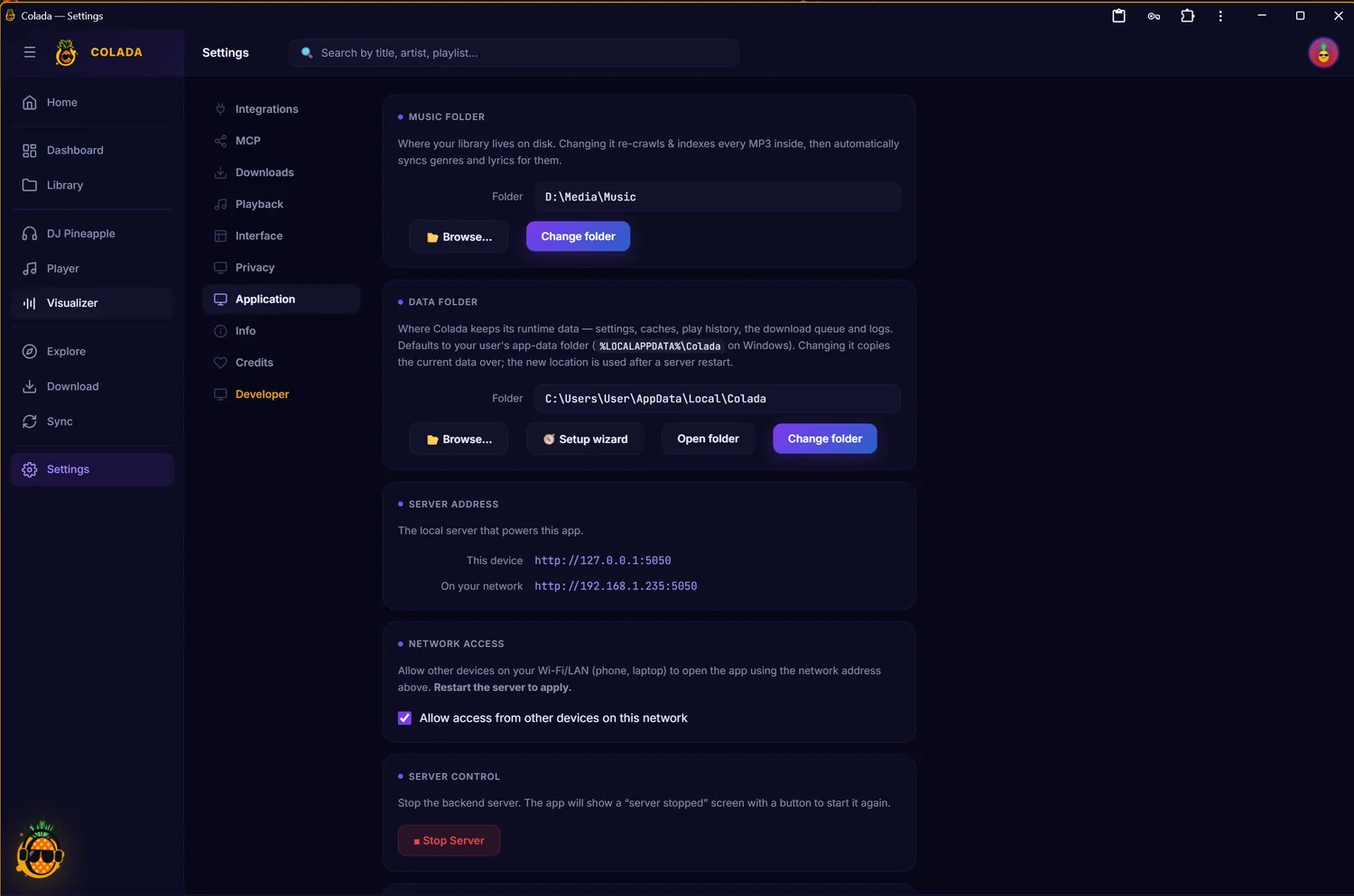
Yours, and local
Everything configurable: your music & data folders, the local server address, LAN access for other devices, integrations and a developer panel.